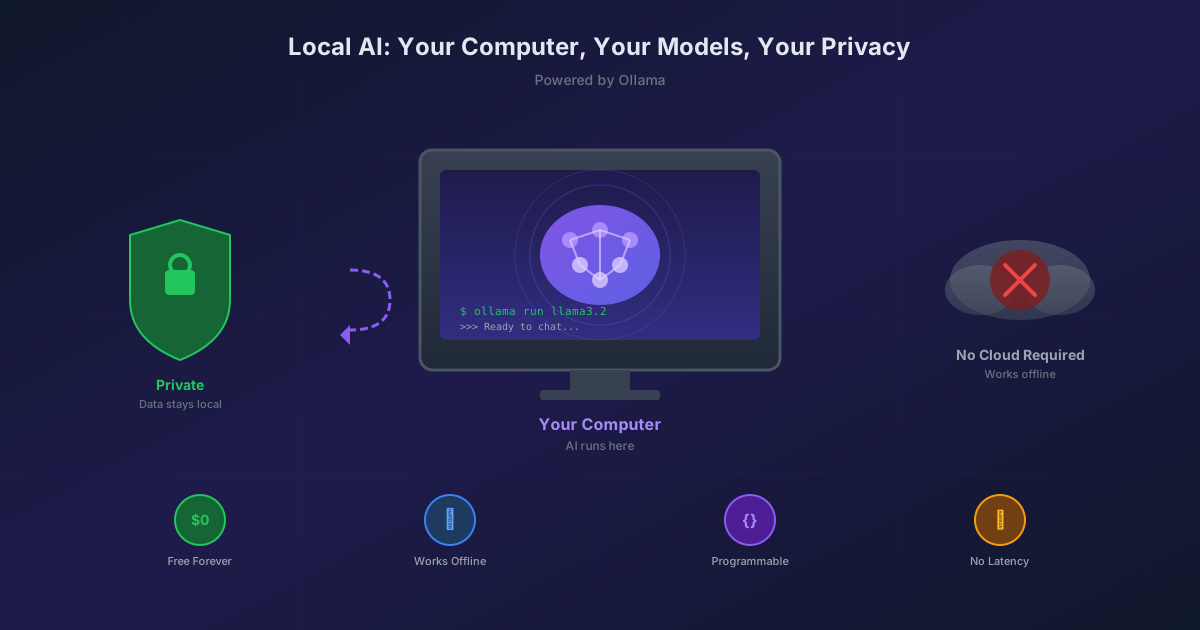
Here's something that surprises most people: you can run AI on your own computer.
Not a stripped-down version. Not a demo. Real, actual AI models—the same technology that powers ChatGPT—running entirely on your machine. No internet required. No subscription fees. No one watching what you ask.
I've been doing this for months, and it's changed how I think about AI tools.
Wait, Is This Actually AI?
Yes. Real AI. The same type of large language models (LLMs) that power ChatGPT, Claude, and other AI assistants.
The difference is where they run:
| Cloud AI (ChatGPT, Claude) | Local AI (Ollama) |
|---|---|
| Runs on company servers | Runs on your computer |
| Requires internet | Works offline |
| Costs money (usually) | Completely free |
| Company sees your prompts | 100% private |
| Limited to their interface | Programmable via API |
The tradeoff? Local models are smaller than the cutting-edge cloud models. A 7 billion parameter model on your laptop won't match GPT-4's 1.7 trillion parameters. But for most tasks—coding help, writing assistance, data analysis, learning—they're surprisingly capable.
Why Would I Want This?
Privacy. Your conversations never leave your machine. No terms of service. No training on your data. Ask it anything without wondering who's watching.
Cost. Zero. Download a model once, use it forever. No API fees, no subscriptions.
Offline access. Works on a plane, in a cabin, during an internet outage. The AI lives on your hard drive.
Programmability. This is the big one. Cloud AI gives you a chat box. Local AI gives you an API—a way for your code to talk directly to the model. This opens up use cases that are impossible or expensive with cloud services.
Learning. Understanding how AI actually works is easier when you can peek under the hood, try different models, and experiment without cost.
What Is Ollama?
Ollama is like an app store for AI models. It handles the complicated parts:
- Downloads models from a library of options
- Runs them efficiently on your hardware
- Provides an API so your programs can use them
- Manages memory so models don't crash your computer
Think of it as the middleman between you (or your code) and the AI models. You tell Ollama what you want, Ollama talks to the model, and returns the response.
Installing Ollama (It's Easy)
Windows
Option 1: Download from ollama.com/download
Option 2: Use winget (Windows package manager):
winget install Ollama.Ollama
Mac
brew install ollama
Linux
curl -fsSL https://ollama.com/install.sh | sh
After installation, Ollama runs as a background service. You can verify it's working:
ollama --version
Downloading Your First Model
Models don't come pre-installed. You "pull" them like downloading an app:
ollama pull llama3.2
This downloads Meta's Llama 3.2 model (~2GB). It takes a few minutes depending on your internet.
Some popular models to try:
| Model | Size | Good For |
|---|---|---|
llama3.2 |
2 GB | General chat, coding, writing |
mistral |
4 GB | Coding, reasoning, instructions |
codellama |
4 GB | Code generation and explanation |
phi3 |
2 GB | Fast responses, lighter weight |
nomic-embed-text |
274 MB | Embeddings (more on this later) |
Two Ways to Use AI: Chat vs. Embeddings
Most people only know one way to use AI: chatting. You ask a question, it responds. That's valid, and Ollama does it well.
But there's another mode that's arguably more powerful: embeddings.
Let me explain both.
Mode 1: Chat (The Familiar Way)
This is what you're used to. Open a terminal and type:
ollama run llama3.2
You get an interactive chat:
>>> What's the capital of France?
The capital of France is Paris.

>>> Write a haiku about programming
Bugs hide in the code
Coffee fuels the midnight hunt
Stack trace reveals all

>>> /bye
You can also chat from your code. Here's a simple example calling Ollama's API:
curl http://localhost:11434/api/generate -d '{
  "model": "llama3.2",
  "prompt": "Explain recursion in one sentence",
  "stream": false
}'
The model thinks about your prompt and generates a response. Classic AI interaction.
Mode 2: Embeddings (The Hidden Superpower)
This is where it gets interesting.
Remember from my post about analyzing 1,290 conversations? I talked about "GPS coordinates for meaning"—a way to convert text into numbers that capture what the text is about.
That's what embeddings are. And you can generate them locally.
curl http://localhost:11434/api/embed -d '{
  "model": "nomic-embed-text",
  "input": ["The quick brown fox jumps over the lazy dog"]
}'
Response:
{
  "embeddings": [[0.123, -0.456, 0.789, ...]]
}
You get back 768 numbers. Those numbers are the "meaning coordinates" of your text.
Why is this useful?
- Similarity search: Find documents similar to a query without keyword matching
- Clustering: Automatically group similar items together
- Recommendations: "If you liked this, you might like..."
- Anomaly detection: Find the thing that doesn't belong
- Semantic search: Search by meaning, not just words
The key insight: embeddings let AI think about your data without generating text. It's AI-as-a-tool rather than AI-as-a-chatbot.
A Real Example: How I Use Local AI
For my ChatLake project, I use two local models:
1. nomic-embed-text (274 MB) - Generates embeddings
Every conversation segment gets converted into 768 numbers. These become the "GPS coordinates" I use for clustering and similarity search.
var embedding = await ollamaService.GenerateEmbeddingAsync(conversationText);
// embedding is now float[768] representing the "meaning" of that text
2. mistral:7b (4 GB) - Names the clusters
After clustering groups similar segments together, I ask Mistral to generate human-readable names:
var prompt = $"These conversation excerpts are about a common topic. " +
             $"What 2-4 word label describes them?\n\n{samples}";
var name = await ollamaService.GenerateTextAsync(prompt);
// name might be "React State Management" or "Home Automation"
The result: 1,290 conversations analyzed entirely on my machine. No API costs. No data sent anywhere. Complete privacy.
Hardware Requirements
You don't need a gaming PC, but more resources help:
| Component | Minimum | Recommended |
|---|---|---|
| RAM | 8 GB | 16+ GB |
| Storage | 10 GB free | 50+ GB free |
| GPU | Not required | NVIDIA helps a lot |
Without a GPU: Models run on CPU. Slower but works fine for embeddings and shorter responses.
With an NVIDIA GPU: Much faster. Ollama automatically uses CUDA if available.
Apple Silicon (M1/M2/M3): These work great. The unified memory architecture is well-suited for AI workloads.
Common Questions
Q: Is this legal? Yes. These are open-source or open-weight models released by companies like Meta, Mistral, and others specifically for public use.
Q: Will it spy on me? No. The models run entirely locally. They can't phone home—there's no code for that. Ollama is open source; you can verify this yourself.
Q: How does it compare to ChatGPT? For complex reasoning and cutting-edge capabilities, cloud models win. For everyday tasks, privacy, and programmability, local models are compelling. Many people use both.
Q: Can I fine-tune models on my data? Yes, though that's more advanced. Ollama supports custom models and model modifications.
Q: What about images?
Ollama supports multimodal models like llava that can understand images. And there are other local tools like Stable Diffusion for image generation.
Getting Started Checklist
- Install Ollama from ollama.com
- Pull a chat model:
ollama pull llama3.2 - Try chatting:
ollama run llama3.2 - Pull an embedding model:
ollama pull nomic-embed-text - Explore the API:
curl http://localhost:11434/api/tags(lists your models)
What's Running Right Now?
After you've pulled some models, you can see what's available:
ollama list
Output:
NAME                    SIZE      MODIFIED
llama3.2:latest         2.0 GB    2 days ago
mistral:7b              4.1 GB    1 week ago
nomic-embed-text:latest 274 MB    1 week ago
These models sit on your disk until you need them. Ollama loads them into memory when you make a request and unloads them when idle.
The Bigger Picture
We're in an interesting moment for AI. The same technology that required millions in compute just a few years ago now runs on a laptop.
This doesn't replace cloud AI—there are genuine advantages to the massive models and infrastructure that companies like OpenAI and Anthropic provide. But local AI opens possibilities that weren't available before:
- Offline AI applications
- Privacy-first tools
- Embedded AI in your own software
- Experimentation without cost
- Understanding AI by running it yourself
The barrier to entry is now "download an app and type one command."
That's remarkable.
Next step: Try the conversation analysis project that uses these local models to find patterns in your ChatGPT history.
Or just pull a model and start chatting. See what a local AI can do.


