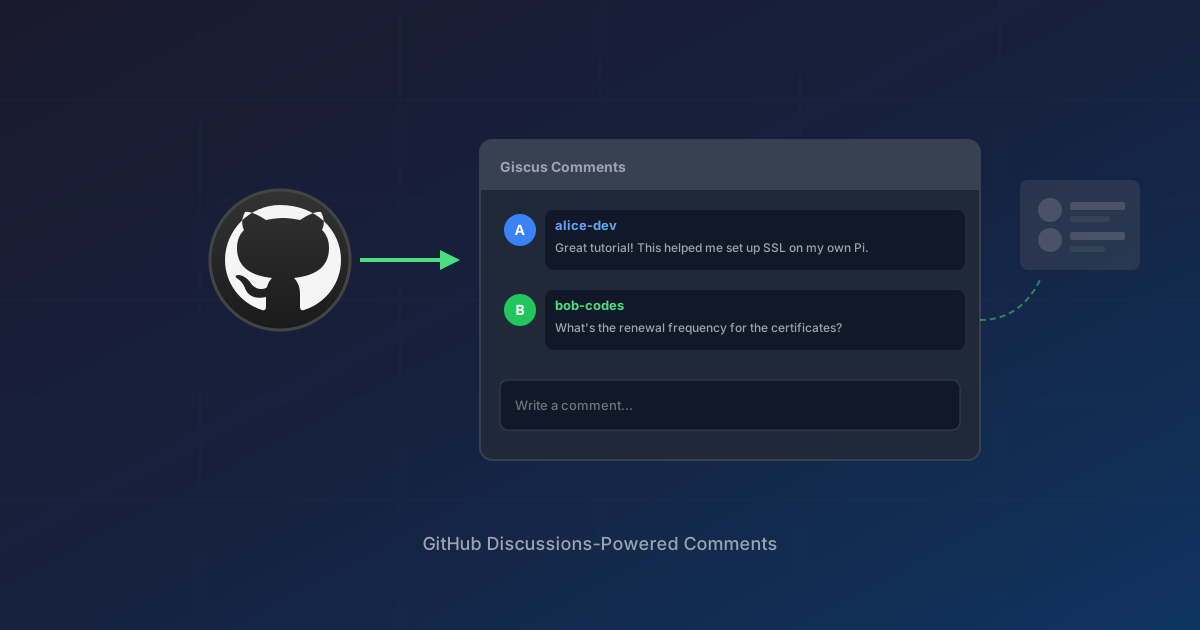
I wanted comments on my blog posts but didn't want to manage a database, deal with spam moderation, or pay for a service like Disqus. Giscus solved all of these problems by using GitHub Discussions as the backend.
Why Not a Database?
Traditional comment systems require:
- A database to store comments
- User authentication (or dealing with anonymous spam)
- Moderation tools and time spent moderating
- Backup and maintenance overhead
For a technical blog where readers likely already have GitHub accounts, this felt like unnecessary complexity.
Why Giscus?
Giscus is an open-source commenting system that stores comments as GitHub Discussions in your repository. Benefits:
- No database - GitHub hosts everything
- No spam - Commenters must authenticate with GitHub
- Free - No cost, no limits
- Markdown support - Code blocks, formatting, all work
- Reactions - GitHub's emoji reactions built in
- Thread per post - Each blog post gets its own Discussion
The tradeoff: commenters need GitHub accounts. For a technical blog, this is actually a feature - it filters for the intended audience.
Setup Steps
1. Enable GitHub Discussions
In your repository settings, scroll to the Features section and enable Discussions.
2. Create a Category for Comments
Go to the Discussions tab and create a new category. I named mine "Blog Comments" with the Announcements format (only maintainers can create new discussions, but anyone can reply).
This prevents random discussions from appearing - Giscus creates them automatically when someone comments on a post.
3. Configure Giscus
Visit giscus.app and fill in:
- Repository:
username/repo-name - Discussion Category: Select your "Blog Comments" category
- Mapping: I chose
pathnameso each URL gets its own discussion - Features: Enable reactions, put input at top
- Theme: Match your site (light, dark, or custom)
Giscus generates a script tag with your configuration.
4. Add to Your Site
For an ASP.NET MVC Razor view, I added the script directly to the post template:
<section class="py-16 border-t border-neutral-200">
    <div class="max-w-4xl mx-auto px-6">
        <h2 class="text-xs font-semibold text-neutral-400 uppercase tracking-widest mb-8">
            Comments
        </h2>
        <script src="https://giscus.app/client.js"
                data-repo="username/repo-name"
                data-repo-id="R_kgDOxxxxxx"
                data-category="Blog Comments"
                data-category-id="DIC_kwDOxxxxxx"
                data-mapping="pathname"
                data-strict="0"
                data-reactions-enabled="1"
                data-emit-metadata="0"
                data-input-position="top"
                data-theme="light"
                data-lang="en"
                data-loading="lazy"
                crossorigin="anonymous"
                async>
        </script>
    </div>
</section>
The data-loading="lazy" attribute means the comments don't load until the user scrolls to them, keeping initial page load fast.
How It Works
When a visitor comments:
- They click the comment box and authenticate with GitHub
- Giscus creates a Discussion in your repo (if one doesn't exist for that pathname)
- The comment is stored as a reply to that Discussion
- Other visitors see comments loaded from the Discussion API
Each blog post URL maps to its own Discussion thread, so comments stay organized by post.
One Discussion Per Post
I initially wondered if this would create one giant thread for all posts. It doesn't - the data-mapping="pathname" setting means:
/Blog/Post/ssl-automation→ creates Discussion for that specific pathname/Blog/Post/john-deere-fuel-pump→ creates a separate Discussion
Giscus handles this automatically. You'll see individual Discussions appear in your repo as people comment on different posts.
Theming
Giscus supports several built-in themes:
light/dark- Basic themespreferred_color_scheme- Follows system preferencetransparent_dark- For dark backgrounds- Custom CSS URL for full control
For my light-themed site, the default light theme blends well without additional styling.
The Result
Comments that:
- Require no backend code or database
- Are automatically spam-filtered (GitHub auth required)
- Support full Markdown formatting
- Cost nothing to run
- Are stored in a place I already back up (my GitHub repo)
Setup took about 15 minutes. The hardest part was deciding which Discussion category format to use.
Reference
- Giscus - The configuration tool
- Giscus GitHub - Source and documentation
- GitHub Discussions must be enabled on your repository


